|
1
|
- Presented by Michael Green
- (based loosely upon Rene Patnode’s help session slides from 2003)
- Nov 3, 2004
|
|
2
|
- Today
- Project description
- Details about required features
- Helpful hints
- Deliverables
|
|
3
|
- Friday
- Sean will give a brief
overview/tutorial on using OpenGL
- Read the OpenGL Redbook chapters
- 1-3
|
|
4
|
- You can develop on any platform (Windows, Mac, Linux) since OpenGL is
cross platform. And for you
adventurous types, you can do your game in DirectX in Windows.
- Working on the Sweet Hall machines will allow Sean and I to help
more. Working on a laptop could
be convenient, but remember, laptops don’t usually have the nice
videocards that desktops computers will have. Design you game and choose your
development platform accordingly.
|
|
5
|
- Do it ASAP
- Groups of 2-3 encouraged but not required
- Stick around after the review if you’re looking for people. Alternatively, post to the newsgroup.
- Once in a group, plan our your schedules for the course of the project
and make some deadlines.
|
|
6
|
- Make sure your team is compatible
- Will I like this person at 7 am after an all-nighter?
- Make sure everyone has the same goals
- How much effort?
- Desired grade?
- Competition?
- Make sure everyone wants the same type of game
- Genre: Action vs. RPG
- Game-play: Button Masher vs. Sit and Watch
- Content: Blood vs. Puppies
- (from Rene’s slides from last year)
|
|
7
|
- Despite the fact that Sean and I are such awesome TAs, we aren’t going
to be able to answer all your questions or help you in all facets your
game. The scope of the project is just too large. We’ll help when we can (and we
encourage you to ask us questions), but as mentioned in the handout,
“there will be a considerable amount of learning on your own.”
|
|
8
|
- http://graphics.stanford.edu/courses/cs248-04/proj3
- My favorite sites from that page are: Nehe productions (great OpenGL
tutorials), and Gamasutra (great discussion of a wide variety of
techniques and game design in general).
- If you find an informative website, let us know and we’ll add it to the
list so other students may take a look.
|
|
9
|
- 3D Viewing and objects
- You’re not developing for the Game Boy Advance. Your game should have a 3D world that
can be navigated.
- User Input and Gameplay
- We’re looking for more than just a tech demo. It needs to be
interactive. A keyboard and
mouse should be sufficient for most of you. Some might want to use a
joystick or gamepad.
|
|
10
|
- Lighting and Smooth Shading
- Create a light source, define normals for your object and OpenGL can
handle the rest.
- Texture Mapping
- Texture mapping gives life to
objects without adding huge complexity to models. Good texture work can greatly add to
the artistic vision of your game.
|
|
11
|
- 2 advanced features required per person in the group (i.e. 2 for one
person, 4 for a pair, 6 for a group of 3).
- At least one of these features needs to be done extremely well (probably
more than one in a larger group).
- An e-mail will be sent out describing “too easy”, “better”, and “great”
examples of each feature.
|
|
12
|
|
|
13
|
|
|
14
|
|
|
15
|
|
|
16
|
|
|
17
|
|
|
18
|
|
|
19
|
|
|
20
|
|
|
21
|
|
|
22
|
|
|
23
|
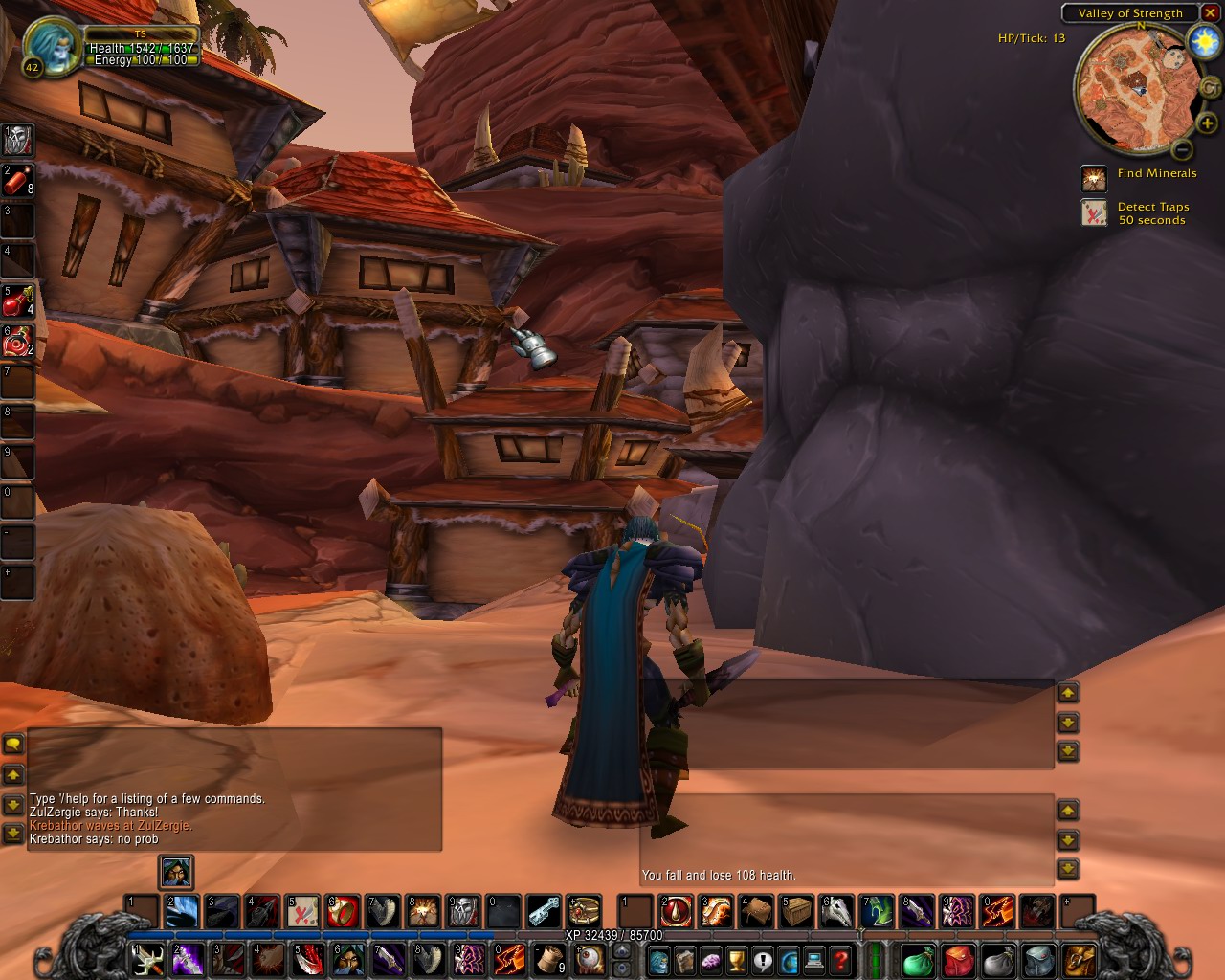
- Total Request Live: The Game
- Goal: Play as the latest American
Idol winner and make your way through the shrieking throng to talk with
Carson Daly.
- 3D world: a 3d model of MTV’s
Times Square Studio
- User Input: keyboard + mouselook to run and strafe (Quake veterans
wouldn’t have it any other way)
- Lighting: A few light sources will light up the studio.
- Texture Mapping: Textured billboards outside the studio advertising
Broadway musicals and Calvin Klein underwear.
- Advanced Feature #1: Collision Detection – The hyperactive fans get in
your way…avoid or crash through them to get by!
- Advanced Feature #2: AI – flocking algorithm controls the behavior of
the teenagers in the studio
|
|
24
|
- Proposal: Monday, Nov. 8 by 5:00 pm
- First Demos: Wednesday, Nov. 17
- Final Demos: Wednesday, Dec. 1
- Competition (optional): Wednesday, Dec. 1 at ~4:00 pm
- Write-ups: Friday, Dec. 3 by 5:00 pm
|
|
25
|
- Hopefully you’ve been thinking of a game idea. If not then watch movies, look at
existing games, think of something you’d like to play, etc…
- Although the proposal is not graded, it is important. It will be a guide for you for the
rest of the project.
- 1 page and a “screenshot” is sufficient
|
|
26
|
- Game name
- Premise
- 3D world you plan to build
- Gameplay
- Advanced techniques you plan to implement
|
|
27
|
- By this point you should have the basics:
- 3d world
- User input
- Lighting
- Texture Mapping
- Some form of gameplay
- Advanced features are not required at this point
|
|
28
|
- The moment of truth:
- Will your game be the next Quake?
- Are you going give Shigeru Miyamoto a run for his money?
- Is EA going to toss barrels of money at you to come join them?
- Are you going to get a good grade? (if you put in some hard work and
met all requirements, then yes)
|
|
29
|
- If you don’t develop on the Sweet Hall machines, make sure you have some
way to get your machines to Sweet Hall for the demos. And remember, what runs on your
desktop may not run so well on a laptop.
|
|
30
|
- Explain the advanced features you implemented
- Reference your sources (for libraries, ideas, artwork, etc…)
- Private submission: If you did all the work and your partner just played
videogames all the time, then let us know.
|
|
31
|
- You will need it after the final demos. =)
|
|
32
|
|

 Notes
Notes